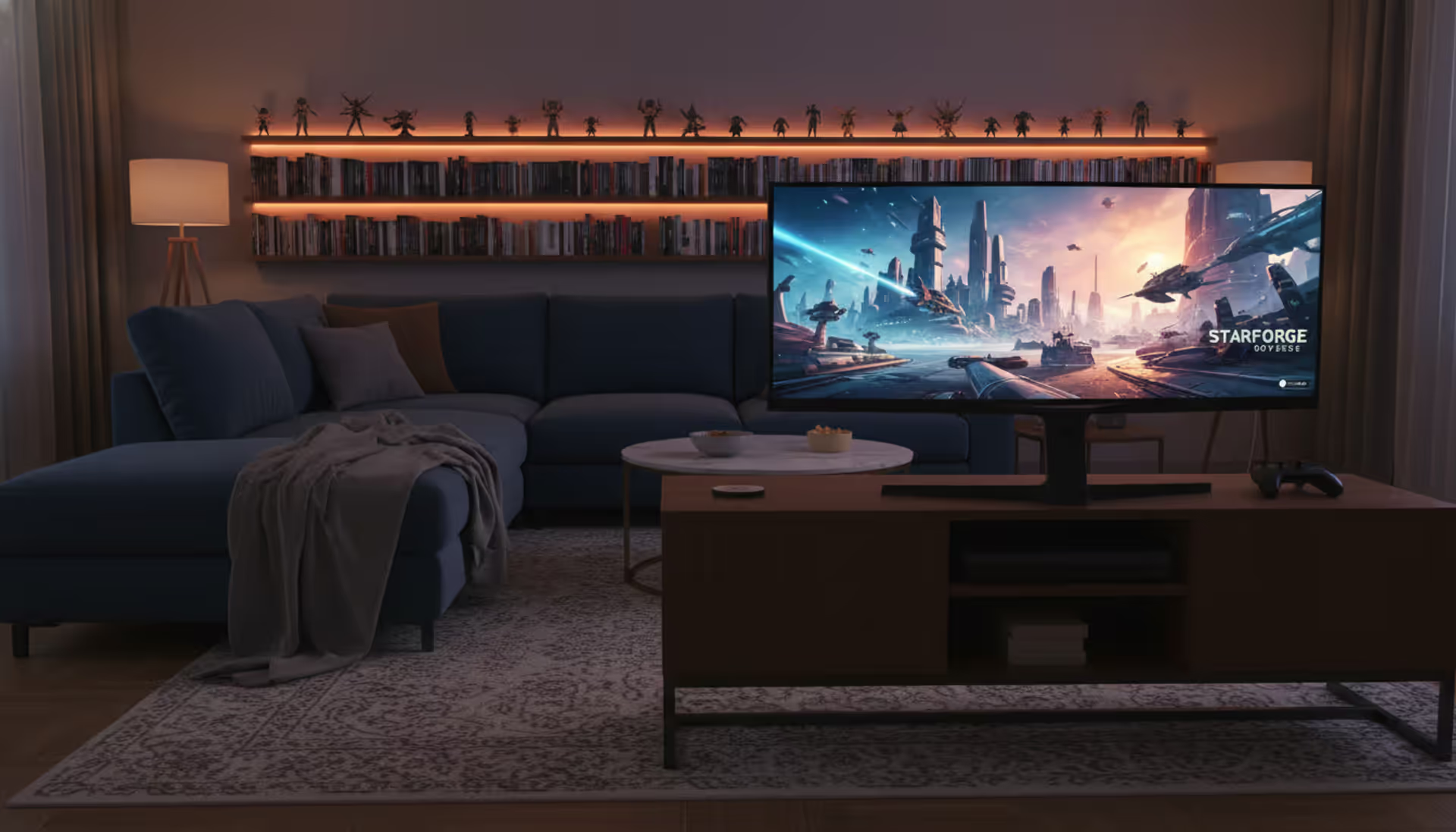
Cozy living room with a gaming monitor on a TV stand, a controller on a sofa, and soft ambient LED lighting in the evening
How to Play from Home?

Content
Gaming from your couch has become one of the primary ways people stay connected with friends and unwind after work. You don't need a professional streaming setup or thousands of dollars in equipment—just a basic understanding of what actually matters for a smooth experience and which pitfalls waste your time and money.
Setting Up Your Space for Home Gaming
You'll save yourself headaches by getting the fundamentals right before you dive into buying games or coordinating with friends.
Essential Equipment and Hardware
Platform choice comes down to what your friends already own and how much you're willing to spend upfront. Console players typically drop $400-$550 for current systems like PlayStation 5 or Xbox Series X. PC gaming starts around $800-$1,200 for a mid-range build that handles most 2026 releases at high settings without choking.
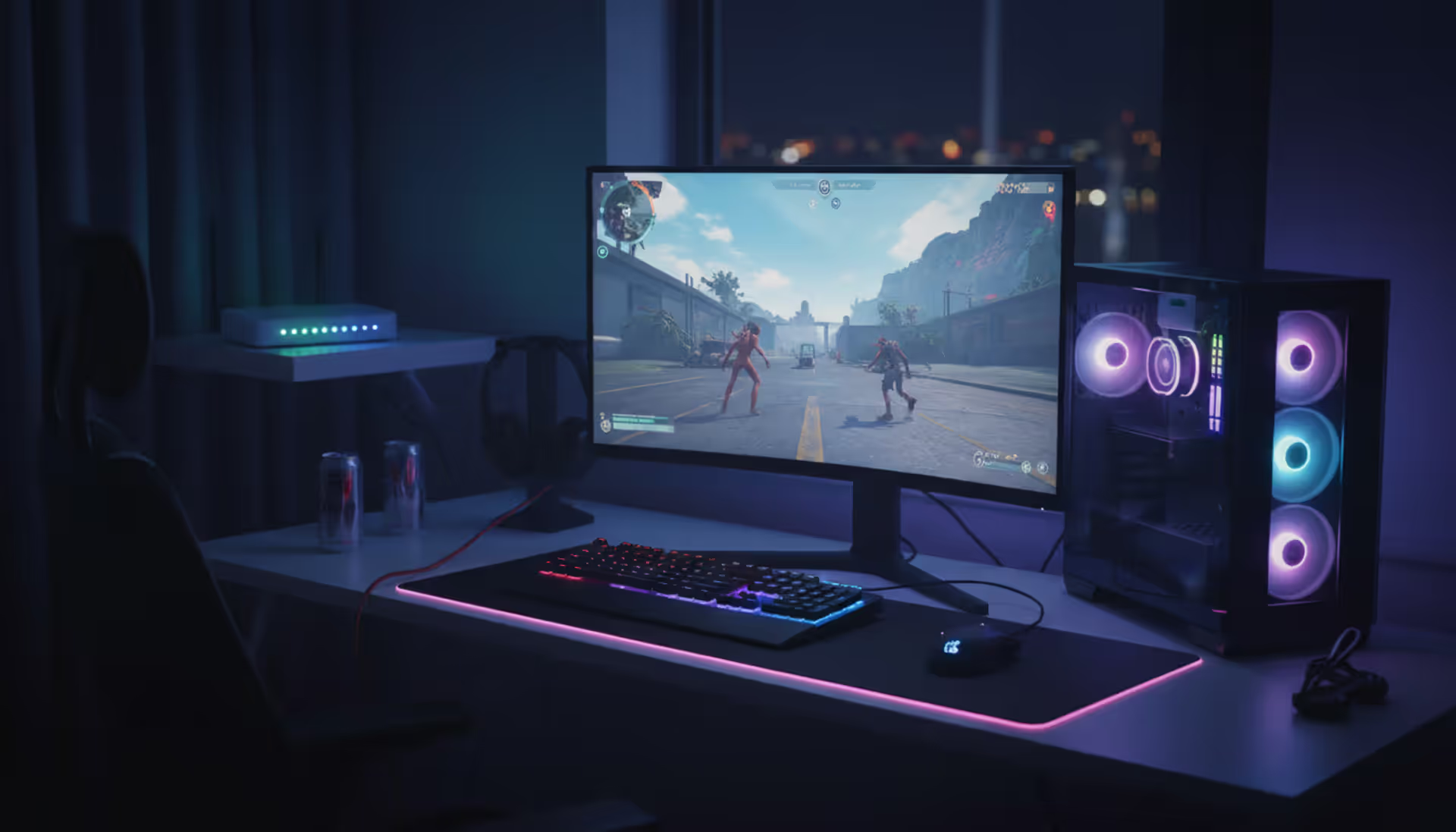
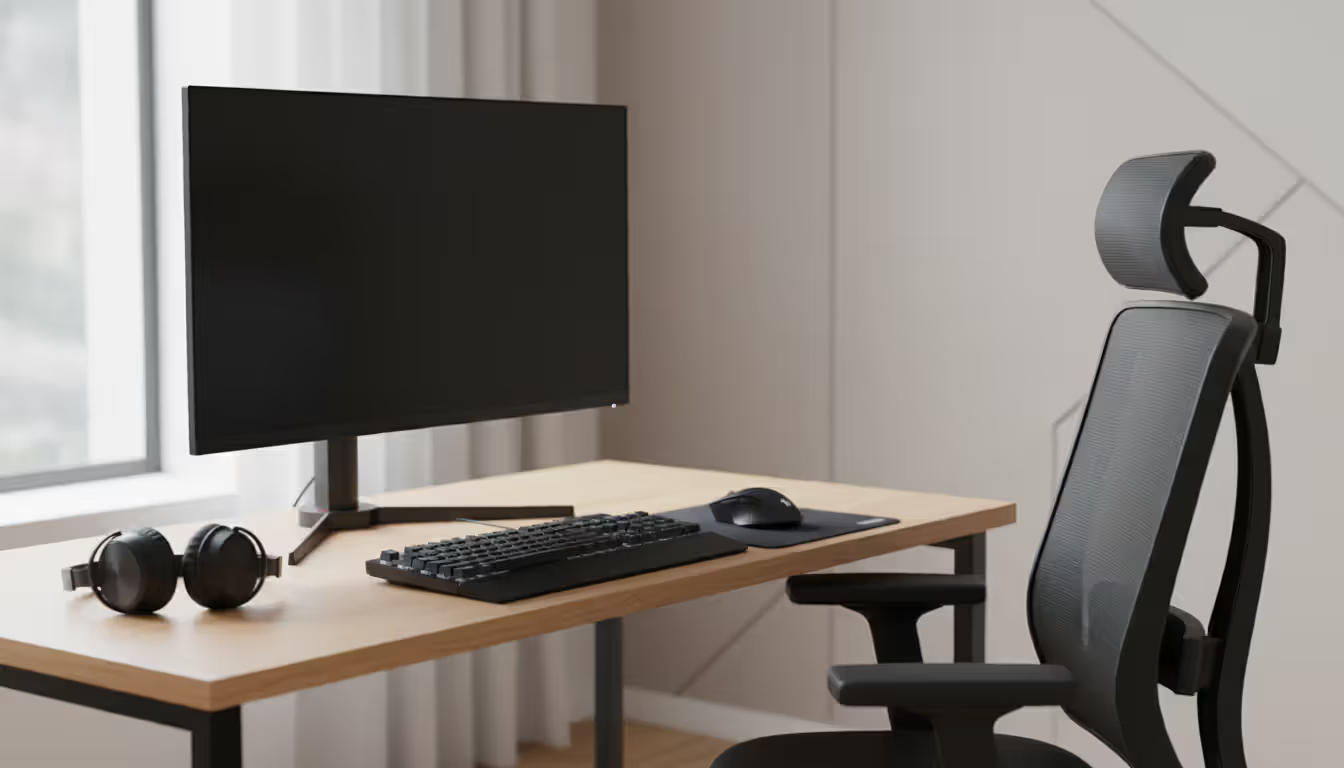
Your display matters, but not in the way marketing departments want you to believe. A 24-27 inch monitor works for most people—anything larger forces your eyes to track too much screen real estate in fast-paced games. Refresh rates (144Hz versus 60Hz) make competitive shooters feel smoother, but you'll hardly notice the difference in turn-based strategy games or RPGs. Set the top of your screen at eye level when sitting naturally—you shouldn't tilt your head up or down to see the center of the action.
The controller-versus-keyboard debate has mellowed considerably. Many PC players keep a controller plugged in for racing games and third-person adventures, then switch to keyboard-and-mouse for shooters and strategy titles. Buy based on what feels comfortable for the games you'll actually play, not what competitive players recommend online.
Here's what nobody mentions enough: your chair determines whether you'll still be gaming next year. Those racing-style "gaming chairs" mostly look flashy while providing mediocre lumbar support. A $150-$300 ergonomic office chair from brands that make furniture for people who sit all day (not companies that primarily sell RGB lighting) prevents the lower back problems that end gaming sessions early.
Author: Jordan Kessler;
Source: okogames.site
Internet Connection Requirements
Your internet needs stability more than impressive speed-test screenshots. Online gaming doesn't consume nearly as much bandwidth as streaming video—you're sending and receiving small packets of positional data, not 4K video streams.
Here's what actually works: 25 Mbps download with 5 Mbps upload handles most scenarios comfortably, including voice chat running simultaneously. Your ping (the round-trip time for data) affects your experience more dramatically than raw bandwidth. Anything under 50ms feels responsive. Once you're above 100ms, you'll notice delays between pressing buttons and seeing results on screen.
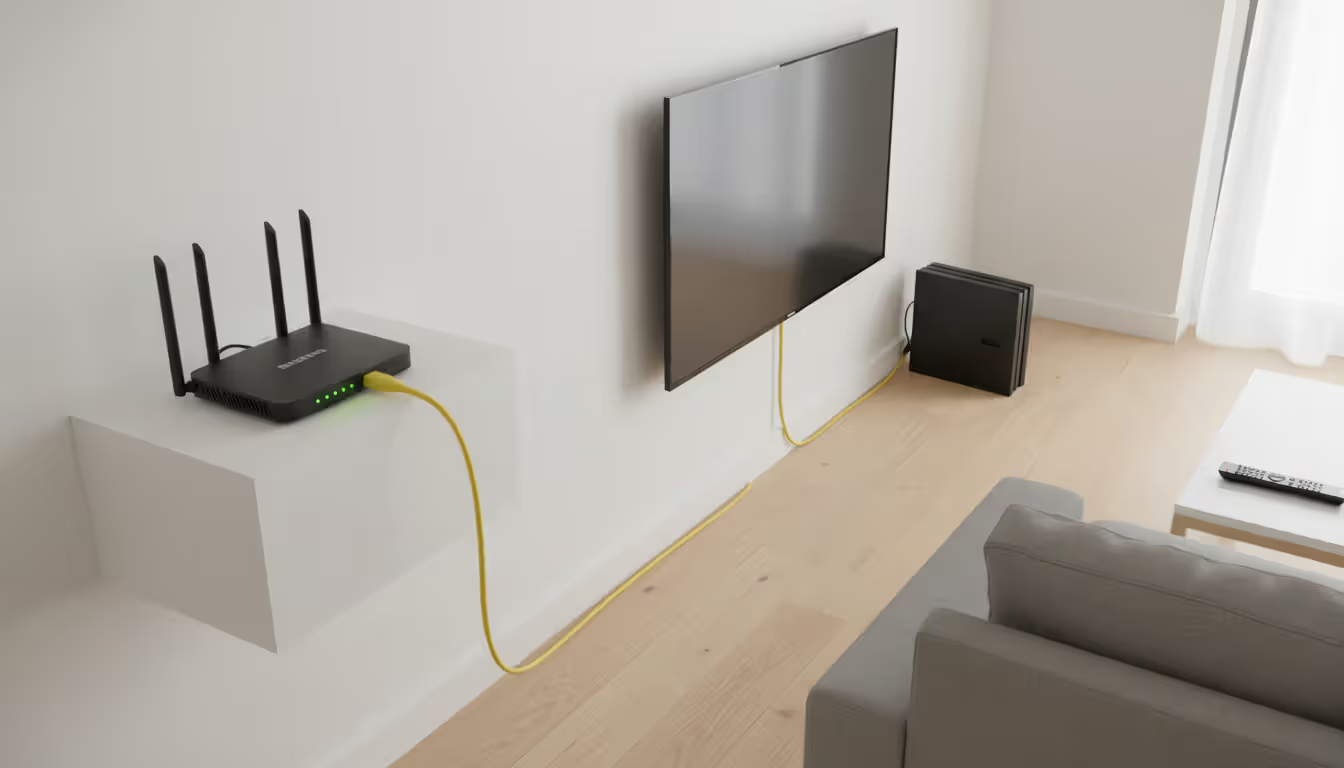
Running an Ethernet cable directly from your router to your gaming device eliminates about 80% of connection problems. Wi-Fi works fine if you're in the same room as your router, but walls, microwaves, and your neighbors' competing networks introduce packet loss that makes gameplay feel inconsistent. If cables aren't feasible, at least use the 5GHz band instead of 2.4GHz—fewer devices clog that frequency.
Test your connection at 7-10 PM on weekdays. That's when everyone on your block starts streaming Netflix and your "100 Mbps plan" might deliver 30 Mbps instead. PingPlotter reveals these patterns better than basic speed tests, showing you if your connection hiccups every few minutes or stays consistent.
Author: Jordan Kessler;
Source: okogames.site
Types of Games You Can Play Remotely
The variety of online games to play from home has exploded way beyond the shooters and MMOs that dominated a decade ago.
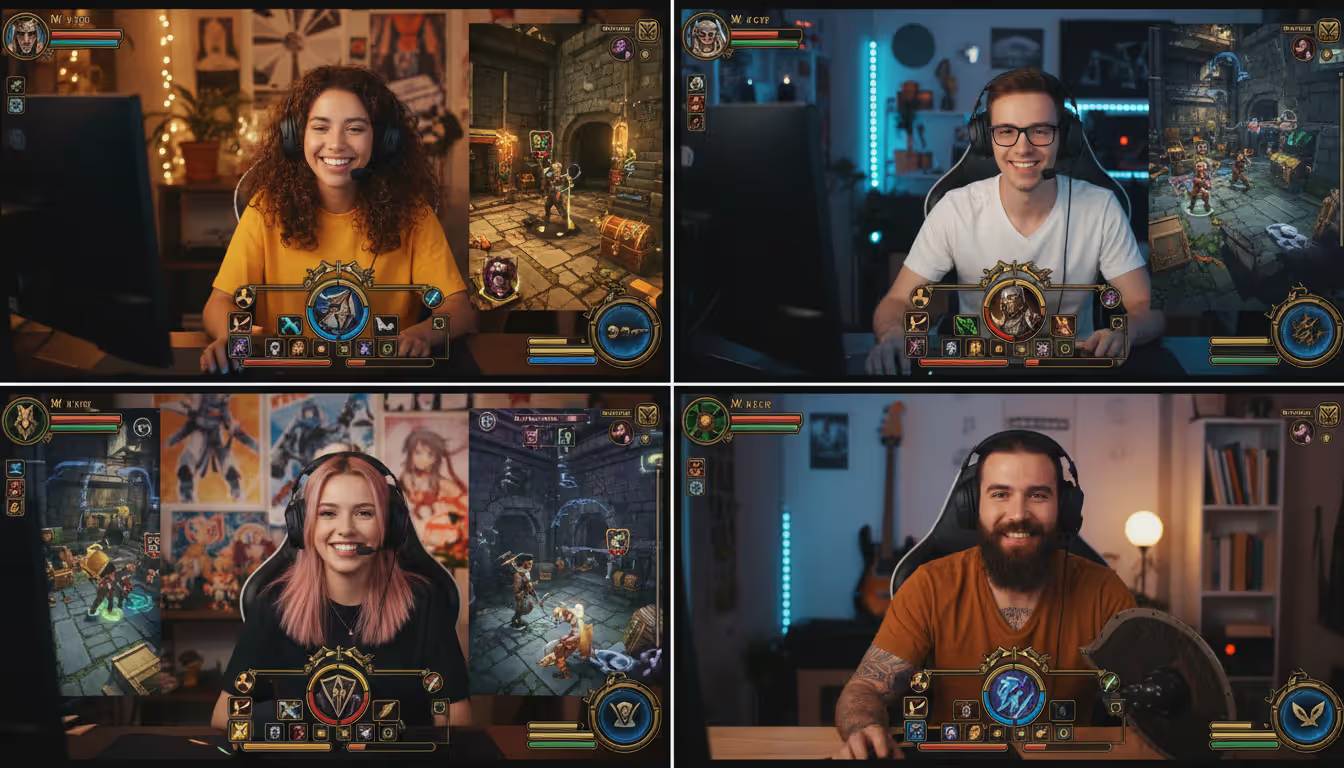
Massively multiplayer online games drop you into persistent worlds alongside thousands of other players. You'll invest weeks or months building characters, joining guilds, and participating in scheduled events. Final Fantasy XIV and Elder Scrolls Online represent the current standard—accessible enough for newcomers but deep enough to occupy hundreds of hours. These games demand regular time commitments, making them tough to balance with unpredictable schedules.
Battle royale titles pack competition into 15-30 minute matches. You drop into a shrinking arena with dozens of opponents, scavenge for weapons, and try to survive. Fortnite added building mechanics. Apex Legends emphasizes team abilities. Warzone focuses on tactical gunplay. The format works brilliantly when you've got 20 free minutes but not enough time for longer gaming sessions.
Cooperative adventures pit you and your friends against computer-controlled challenges instead of other players. Deep Rock Galactic sends teams into procedurally generated caves to mine resources and fight alien bugs. Phasmophobia turns ghost hunting into a team activity that's equal parts horror and comedy when someone panics. These experiences create memorable stories without the stress of competitive rankings.
Party games work for groups that include non-gamers or people who haven't touched a controller in years. The Jackbox Party Packs use smartphones as controllers, eliminating the "I don't know which button to press" barrier. Among Us requires minimal gaming skills—mostly social deduction and lying to your friends. Perfect for mixed groups where skill levels vary wildly.
Puzzle and strategy games let you take turns asynchronously—you make your move, then your opponent responds hours or days later. Civilization VI supports this format beautifully. So does Words With Friends if you want something simpler. Great for maintaining games with friends across time zones or incompatible work schedules.
Author: Jordan Kessler;
Source: okogames.site
Local vs Online Multiplayer Differences
These two approaches to multiplayer feel fundamentally different, both technically and socially.
Local multiplayer means everyone's in the same room, using either one device with split-screen or multiple devices connected via local network. You don't need internet at all—the devices talk to each other directly. The social energy hits different when you're physically together. You hear your teammate's groan when they mess up. You can shove them playfully when they beat you. You're building in-person memories, not just digital ones.
The catch? Scheduling. Getting four adults to the same physical location at the same time becomes nearly impossible once you're past college age. Someone's working late. Someone has kids. Someone moved three states away. That's where online multiplayer becomes essential rather than just convenient.
Online multiplayer connects players across the internet, each from their own location on their own device. You can play with your childhood friend who now lives across the country. You can jump into a quick match at 11 PM in your pajamas. The flexibility outweighs the lack of physical presence for most people most of the time.
Technical differences shape how games actually play. Split-screen local games share one screen between players, limiting what you can see. "Screen peeking"—glancing at your opponent's portion of the display to see where they are—has shaped local multiplayer game design for decades. Online play gives each person their own full-screen view optimized for their position. The tradeoff? Lag and connectivity issues that never affect local play.
Some games blend both approaches. Mario Kart 8 Deluxe lets two players share your Switch while racing against others online. It's the best of both worlds when you can manage it.
Connecting with Friends for Online Multiplayer
Getting everyone into the same game session involves more steps than you'd expect if you're new to this.
Most games build friend systems directly into their menus. You'll add friends using their username or a unique ID (often a name plus numbers, like "CoolGamer#1234"). Once they're on your list, you invite them to your game session through the menu. They get a notification, accept, and join your lobby. Sounds simple—and it is, once you've done it a few times.
Things get messier when platforms don't match. You're on PC. Your friend plays on PlayStation. Can you even play together? That depends entirely on whether the specific game supports cross-play. Rocket League does. Destiny 2 does. Some Call of Duty games do. Pokemon games definitely don't. You can't assume—check before buying.
Voice Chat and Communication Tools
In-game voice chat exists in most multiplayer games, but the quality ranges from "perfectly adequate" to "sounds like you're underwater." That's why dedicated communication apps have taken over.
Discord dominates gaming communication in 2026 for good reason—it's free, reliable, and does way more than just voice chat. You can share screens, post memes between gaming sessions, and organize different channels for different games or friend groups. Setting up a Discord server takes maybe five minutes, and suddenly you've got a permanent hub for your gaming crew.
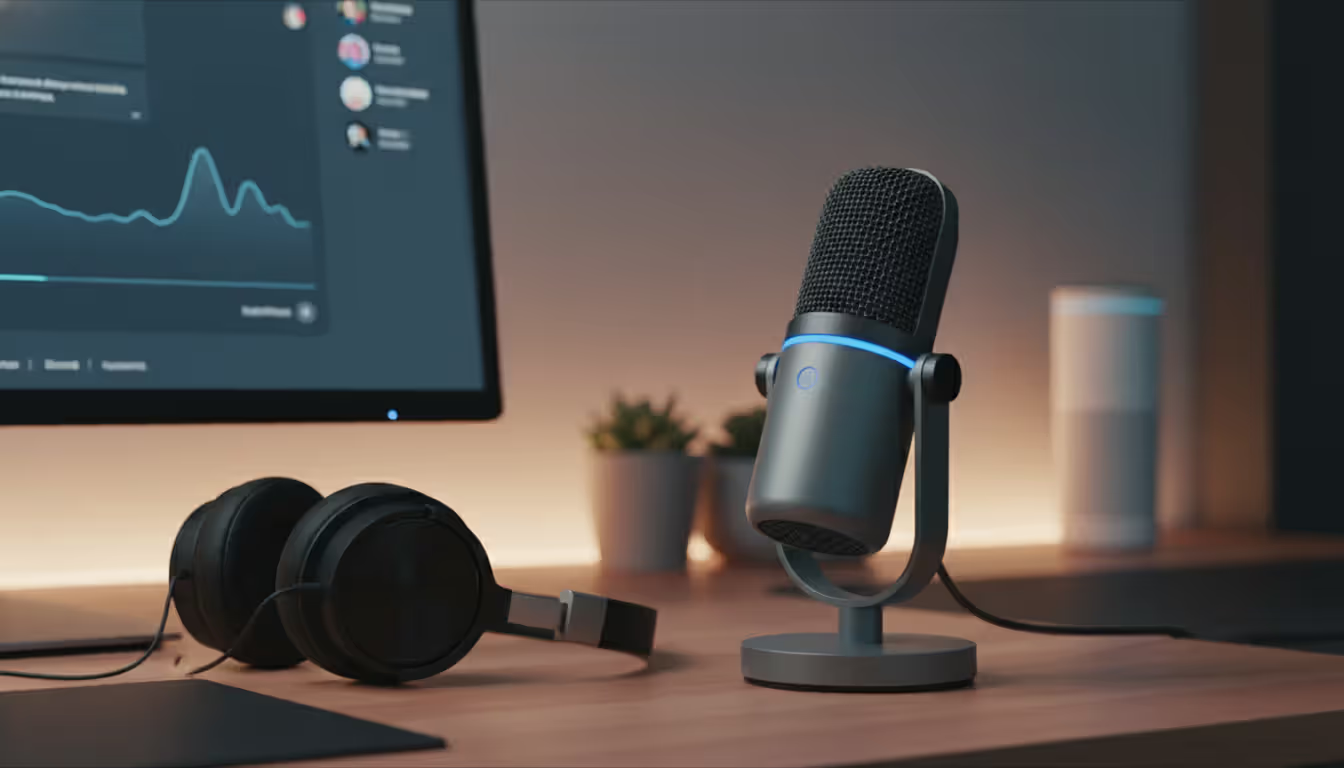
Your microphone quality matters more than most people realize. The boom mic attached to your $50 headset works fine for casual play. But if you're playing regularly, a standalone USB microphone ($50-$100) makes you sound dramatically clearer and cuts down on background noise. Position it a couple inches from your mouth at a slight angle—not directly in front, which captures all your breathing sounds.
Should you use push-to-talk or leave your mic always on? Push-to-talk prevents your mechanical keyboard clicks and coughing from interrupting everyone, but you need to remember to hold a key while speaking. Open mic feels more natural and conversational but broadcasts every crunch of your snack chips and your roommate's TV in the background. Talk to your group and pick a norm—mixed setups where some people use push-to-talk and others don't creates confusion about who's actually trying to say something.
Author: Jordan Kessler;
Source: okogames.site
Cross-Platform Play Considerations
Cross-platform gaming has become standard enough that its absence now feels like a missing feature. Implementation quality varies wildly though.
Some games achieve full parity—PC and console players access identical content and compete on equal footing. Others separate players into different matchmaking pools based on input device (controller versus keyboard-and-mouse). A few games let you play together but restrict certain features or content based on platform.
Friend codes and account linking add extra friction. Certain games require you to create a publisher account (like an EA account or Activision account) that sits above your platform account (Steam, PlayStation Network, Xbox Live). You'll link these accounts together so the game can track your friends across different platforms. It's annoying, but it's also what enables cross-platform functionality in the first place.
Performance gaps between platforms occasionally cause competitive issues. Someone playing on a high-end PC at 144 frames per second with a mouse has mechanical advantages over a console player at 60 frames per second using a controller. Competitive games handle this through input-based matchmaking (controller players face other controller players) or aim-assist adjustments that help close the gap.
Recommended Games for Different Group Sizes
The best online games for groups depend heavily on how many people you're trying to coordinate and what kind of experience you're after.
Games Worth Playing by Group Size
| Title | Works On | How Many Players | Price | What You're Playing |
| It Takes Two | PC, PlayStation, Xbox | Exactly 2 | $40 | Co-op puzzle adventure |
| Stardew Valley | Everything | 1-4 people | $15 | Relaxing farm simulator |
| Phasmophobia | PC, PlayStation | 1-4 people | $20 | Ghost hunting horror |
| Overwatch 2 | PC, consoles | 5v5 teams | Free | Team-based shooter |
| Among Us | All platforms | 4-15 people | Free/$5 | Social deception |
| Fortnite | Everywhere | Squads of 1-4 | Free | Battle royale building |
| Jackbox Party Pack 10 | PC, consoles | 2-10 people | $30 | Smartphone party games |
| Valheim | PC, Xbox | 1-10 people | $20 | Viking survival crafting |
Two-player sessions work beautifully with cooperative adventures specifically designed around dual-player mechanics. It Takes Two builds every puzzle and combat encounter around two people working together. These games create moments that literally can't exist in single-player experiences—you need both players coordinating constantly or you fail.
Three to five players unlocks the widest selection of available games. You've got enough people for interesting team dynamics and role specialization, but you're still small enough that each person's contribution feels significant. This range works perfectly for competitive team shooters, dungeon-crawling RPGs, and survival crafting games where you're building bases together.
Six or more players narrows your options to games specifically built for crowds. Social deduction games thrive here—Among Us and Project Winter create chaos and suspicion that only emerges in larger groups. Party game collections cycle through mini-games that keep everyone engaged even when they're not directly competing in the current round.
If you're watching your budget, free-to-play games have evolved dramatically over the past five years. Apex Legends, Rocket League, and Warframe offer genuinely hundreds of hours of content without spending a dollar. They make money selling cosmetic items—character skins, emotes, visual effects—rather than actual gameplay advantages. Plenty of players enjoy these games for years without buying anything at all.
The explosion of accessible home gaming has fundamentally changed how we maintain friendships across distances. What used to require expensive plane tickets or phone calls now happens naturally through shared gaming experiences. The social infrastructure of gaming has become as important as the games themselves
— Alanah Pearce
Common Mistakes When Starting Home Gaming
New players trip over the same obstacles repeatedly, wasting money on unnecessary gear while neglecting actual problems.
Assuming your internet works fine for gaming just because Netflix doesn't buffer proves wrong about 40% of the time. Your connection might handle streaming video perfectly while introducing packet loss that makes games feel laggy and unresponsive. Test actual gaming performance—join a Discord call while playing an online match—before you convince yourself your internet is adequate.
Buying expensive peripherals before understanding your preferences burns hundreds of dollars. That $150 mechanical keyboard might feel terrible for your typing style. Those wireless headphones might introduce audio delay you can't stand. Start with budget options, figure out what actually bothers you about them, then upgrade deliberately toward solving those specific issues.
Sitting in whatever position feels comfortable today creates problems you won't notice for weeks. Your neck won't hurt after one four-hour session, so you figure everything's fine. Three months later you've got chronic pain requiring physical therapy. Adjust your monitor height and chair position correctly from day one—fixing it later means breaking habits your body has already formed.
Forgetting to test audio before your friends join means everyone suffers through echo, feedback, or complete silence while you panic-troubleshoot in the moment. Join a voice channel by yourself and record a 30-second test message. Play it back and catch problems when you're the only person being inconvenienced.
Purchasing games without confirming they support cross-play leads to disappointing discoveries. You buy a specific title to play with your PlayStation-owning friend, then discover it doesn't connect PC and PlayStation players. Five minutes of research before spending money prevents this entirely.
FAQ
Playing games from home has shifted from a niche technical hobby into a mainstream way people socialize and unwind. You don't need to understand networking protocols or build a PC from components—just learn the basics of stable internet, comfortable ergonomics, and compatible platforms.
Start small rather than trying to build the perfect setup immediately. Get internet working reliably. Buy a comfortable chair before upgrading your graphics card. Verify your friends can actually join your games before purchasing titles. These practical steps prevent the frustrations that make new players quit and the expensive mistakes that waste money.
The social side deserves equal attention to the technical side. Set up Discord or similar communication tools. Coordinate schedules across time zones. Pick games that match your group's actual skill levels rather than what's popular on streaming platforms. A free party game everyone enjoys beats an expensive AAA title half your friends can't run smoothly.
Gaming from home in 2026 offers ridiculous variety—from quick mobile matches during lunch breaks to elaborate MMO raids requiring coordination between a dozen players. The infrastructure supporting this has matured to where most things just work once you understand the fundamentals. Focus on those basics, dodge the common pitfalls, and you'll build a hobby that provides entertainment and genuine social connection for years.